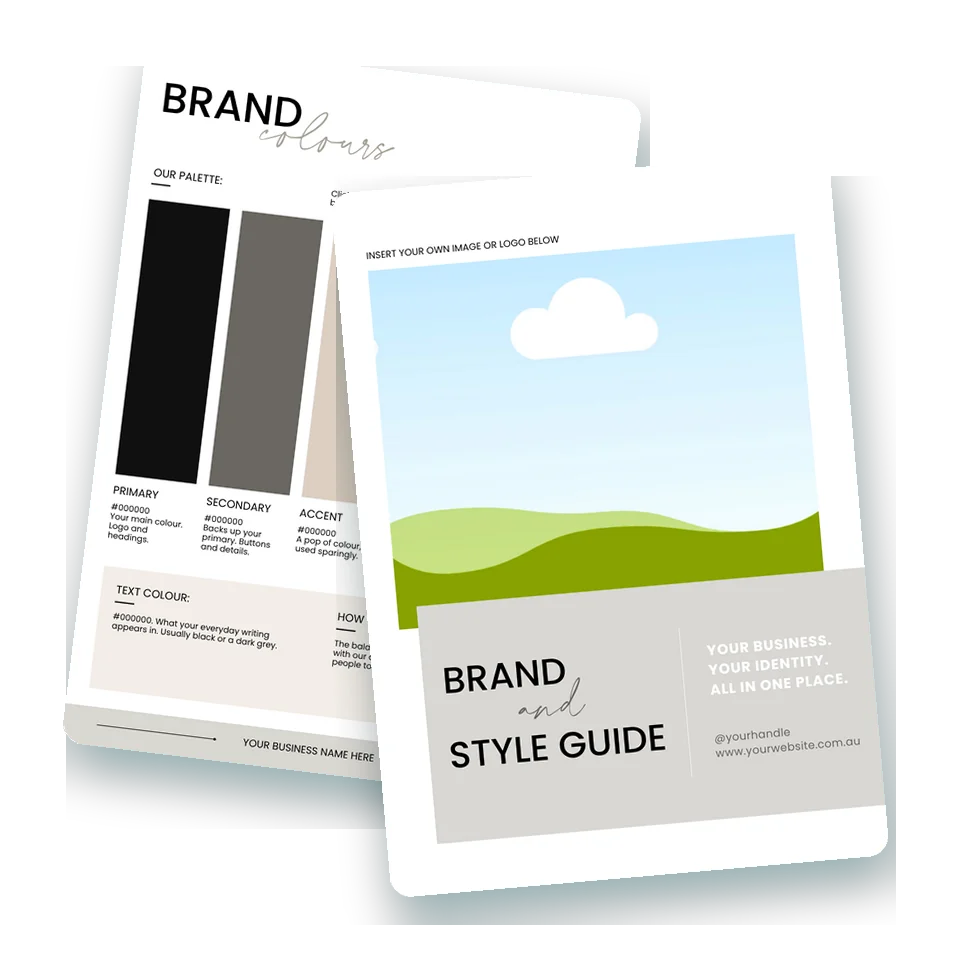
Brand & Style Guide Template · editable in Canva
Your logo files, hex codes, fonts, photo style and voice, on seven pages you fill in once and hand to anyone who helps in your business. Editable in Canva, done in an afternoon, and it grows with you. Made by a graphic designer who's been handing brand guides to printers and developers for more than a decade. Me.
$12. A Canva template, yours to edit and keep. Works with a free Canva account.
You know the moment. A printer, a market organiser or a collab partner asks, and you go hunting. The logo is a screenshot in your camera roll. The hex codes are in a note on your phone, or they were. The font was something you picked in Canva two years ago and the name has gone. There are three versions of the logo in three folders, and you're not sure which one is current.
Keeping track of all those font names, hex codes and logo versions gets messy fast, and every time you guess, your brand drifts a little. A label in a font that's nearly right. A sticker in a pink that's a shade off. A caption written by someone helping out that sounds nothing like you. On their own they're small. Together, they're why a brand that looks lovely on Instagram can feel like five different shops by the time an order arrives.
The more often people see your brand looking and sounding the same, the more they trust it. Keep changing things up, and you're starting from scratch every time.
Think of it as your business's very own reference book. One place for all the little details that make your brand recognisable, from your logo and colours to your fonts, your photos and the way you communicate. Once it's filled in, every social post, website update, label run or new helper starts from the same page.
It isn't just for you, either. Share it with your printer, your photographer, your designer or your website developer, and everything stays on-brand without you checking every little detail. That's the bit that gives you your evenings back.
It's not set in stone. Your business will grow, your ideas might change, and this guide can grow right alongside you. Keep the Canva file, update a colour or a font when you need to, and download a fresh PDF.
Good branding isn't about making everything look pretty. It's about making your business recognisable, memorable and unmistakably yours.
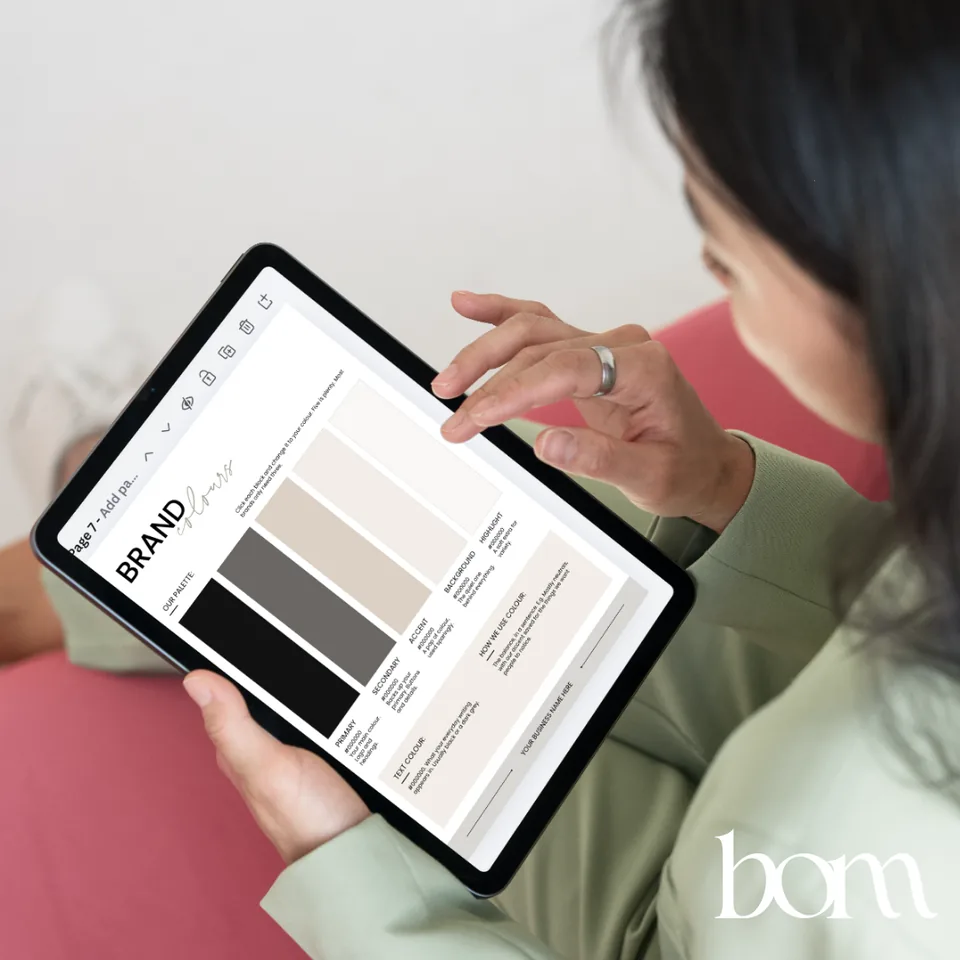
Every page is fully editable in Canva. Click any text to change it, swap the colours and fonts for your own, and drop your logo and photos into the spaces provided. Prompts and examples sit on every page so you know what goes where.
Your tagline, what you make, who you're for, what makes you different, who you are and who you're not, and your target market. The whole brand in a few lines, up front.
Your primary, secondary and submark, the small stuff they're for, how much room to leave around them, how small they can go, the colours they can appear in, the always and never, and where the files live so future you can find them.
Your palette with a hex code for each colour and a job for each one, your text colour, and how you balance them, in a sentence.
Your display font, your content font and an optional accent, what each is for, how your headings, subheadings and body text are set, the always and never, and where each font came from and where its licence is saved.
The feeling, the lighting and colour, your backdrops and props, the edit you use every time, and four photos that feel like your brand.
How you sound and how you don't, the words you use and the ones you avoid, how you say hello and how you sign off, the details, and one sample caption so anyone helping you has something to copy the feel of.
Where your brand shows up and what it looks like in each spot: website and email, social tiles, labels and stickers, thank you cards, packaging, markets and signage. Then the final check before anything goes out.
You don't need fancy words or a perfectly polished brand. Fill in what you know and come back to the rest when you're ready.
A welcome page and a step-by-step Start Here page walk you through changing the fonts, the colours and the logo, then tell you what to delete when you're done so the finished guide is clean.
Each box says what to put in it, with an example to copy the shape of. Replace the example with your own words and it's yours.
Open it, click Use template, and you've got your own copy to edit. No paid plan needed. Canva's Brand Kit extras are on the paid plans, and the template tells you how to get the same consistency without them.
A page that walks you through loading your logos, colours and fonts into Canva's Brand Kit, so every future design starts from the right files and the exact right colours.
Download the finished guide as a PDF and send it to anyone who creates things for your business. Everyone stays on the same page, and you stop answering the same questions.
Keep the editable Canva version. When your business shifts, change the page that needs it and download again. A gentle refresh is healthy. Starting from scratch isn't.
have a think
If any of those made you wince, this is the afternoon that fixes it.
Next time a printer asks, you send one link. Next time someone helps with a post, you send the same link. The guide does the explaining, and your brand looks like one business everywhere it turns up.
Treat your logo files like gold. Pop them all in one clearly labelled place, and you'll thank yourself every single time.
Brand & Style Guide Template
$12
Already have Branding Foundations? Your 50% off code is inside it.
Licensed for use within your own business. Checkout happens on the Business of Making store, in Australian dollars.
I've spent more than ten years in graphic design and web development, building brands for florists, builders and countless online stores through my agency, and I'm genuinely obsessed with brand identity. I built my own two maker stores the same way, brand first, and the first one grew into Australia's largest craft blanks supplier without ever changing its look.
When you're shipping thousands of orders like I was, a guide like this is what keeps every parcel, label and email feeling like the same business, no matter how busy the week gets. I made this template so you'd have one from the start.
I know how much time, energy and heart goes into building a business of your own. I hope this makes one part of it that bit easier.
No. The template works with a free Canva account. Click Use template and you get your own copy to edit. Canva's Brand Kit, where you save your logos, colours and fonts for every future design, is part of the paid plans, and the template shows you how to stay consistent without it.
Not strictly. If you already know your story, your customer, your difference and your look, go straight to the template. If your brand grew by accident and you're not sure what to put in the boxes, do Branding Foundations first. It helps you decide, and the template keeps the decisions. There's a 50% off code for this template inside it.
That's completely fine. Start with what you know and come back to the rest when you're ready. A half-filled guide you actually use beats a perfect one you never finish.
You could. This one is already laid out, with the right boxes in the right order, a prompt and an example in every one, and the set-up pages that stop you getting stuck in Canva. It's an afternoon instead of a weekend, for $12.
Straight after checkout you'll receive a short PDF with your link to the template and the three steps to set it up. Open the link, click Use template, and it's yours.
The template is licensed for use within your own business. Please don't share, redistribute or resell the original. If a friend would find it useful, send them here so they can grab their own.
That's the final check on the last page, and once your guide is filled in, it's a check anyone helping you can run. Pick an afternoon, gather the bits you already have, and give your brand one home.
If yes, send it.
Bec x
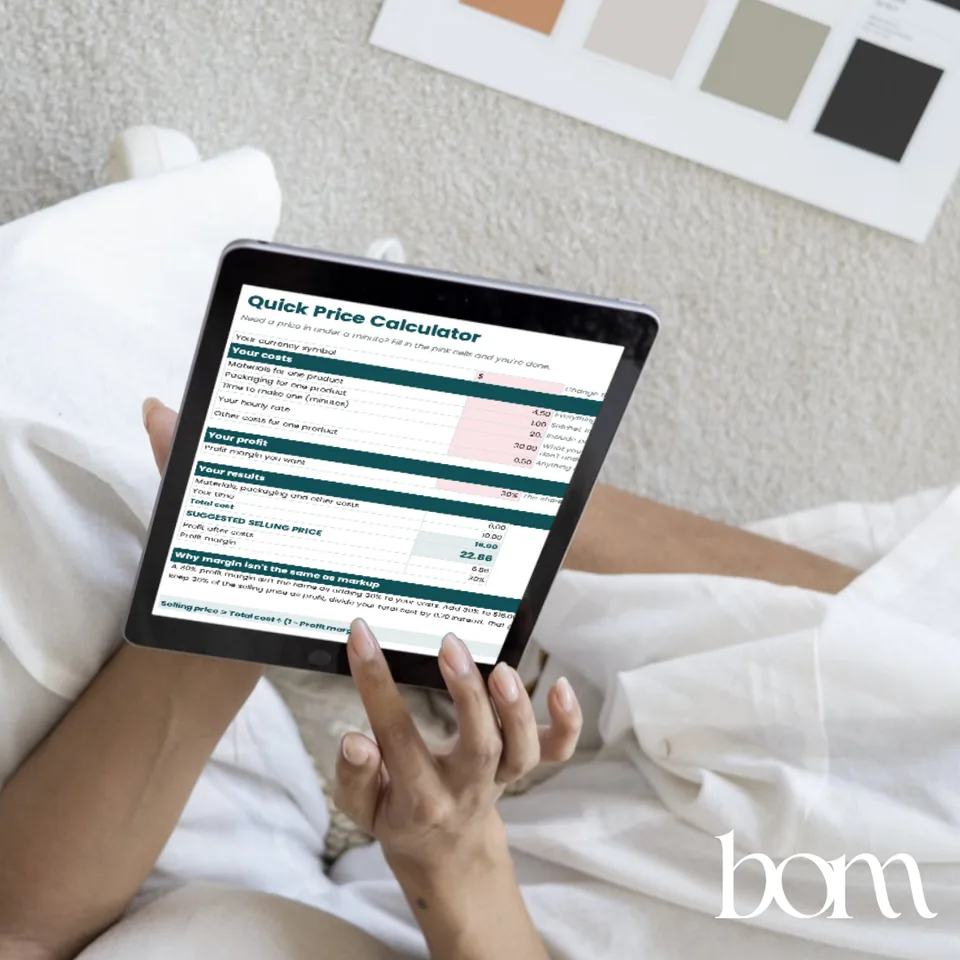
Pop your email in and I'll send you the Quick Price Calculator: six numbers and a price in under a minute. This is just the start. I'm building more for makers all the time, new freebies, mini courses and guides, and the list hears about every one of them first.
Check your inbox for the calculator. If it isn't there in a few minutes, look in the promotions or junk folder. New things will land there too.